
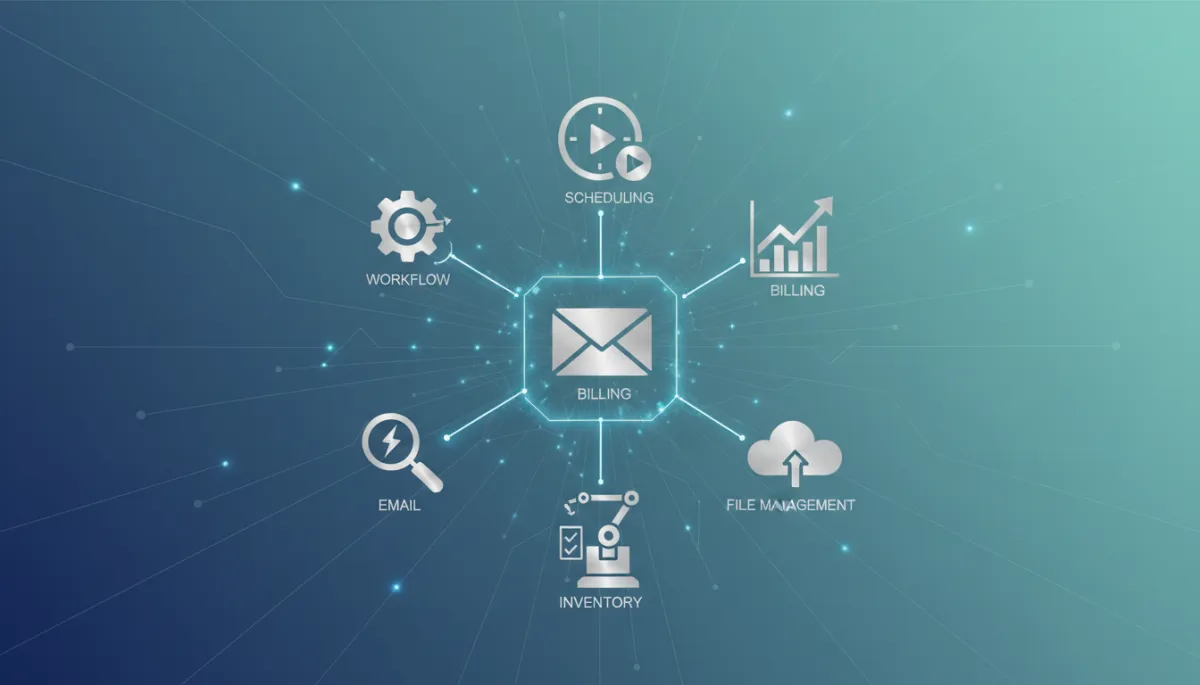
Automate Business Tasks for Efficiency
Business Productivity, Automation
The 7 Business Tasks You Should Automate Today
Automating the right tasks can free hours in your week, reduce costly errors, and give your team the space to focus on meaningful work. Here are seven business tasks you can start automating today for faster, smoother operations.
1. Repetitive Email Responses and Follow-Ups
Your inbox is one of the biggest time drains in your day. Many messages are routine: answering common questions, confirming bookings, sending introductions, or following up on proposals. These are perfect candidates for automation using email templates, rules, and simple workflows that send the right response based on triggers such as form submissions, time delays, or specific keywords. The result is faster replies for customers and fewer interruptions for your team.
2. Lead Capture and Initial Qualification
If leads are still arriving in someone’s inbox and being copied into a spreadsheet, you are losing both time and opportunities. Automate the journey from website visitor to warm lead by connecting your forms, landing pages, and social ads directly to your CRM. Use simple qualification rules such as company size, budget, or time frame to score leads automatically and route them to the right salesperson. This ensures hot prospects get attention quickly while lower-priority leads are nurtured with automated email sequences.
3. Invoicing and Payment Reminders
Chasing payments is frustrating, but it is also predictable. Every invoice follows the same pattern: issue, due date, reminder, and sometimes a final notice. Accounting and billing tools can generate invoices automatically from approved quotes or completed projects, send them on schedule, and follow up with polite reminders before and after the due date. Automating this process reduces awkward conversations, improves cash flow, and helps you maintain a professional, consistent tone with every client.
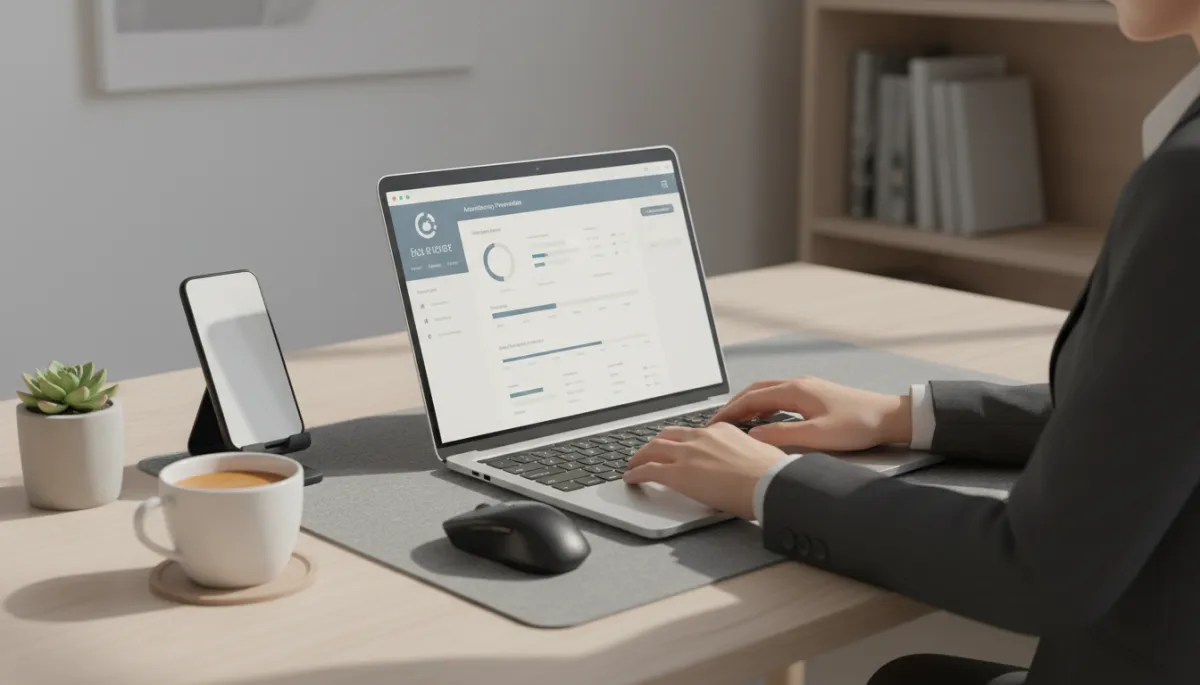
Automated billing cycles shorten payment delays and give clearer cash flow visibility.
4. Appointment Scheduling and Meeting Coordination
Going back and forth to find a meeting time wastes everyone’s energy. Scheduling tools can sync with your calendar, show only your available slots, and let clients or colleagues book directly. Automatic confirmation emails and reminders reduce no-shows and last-minute cancellations. For service businesses, you can also automate intake forms, directions, and preparation instructions so people arrive informed and ready, without a single manual email from your team.
5. Employee Onboarding and Offboarding Checklists
New hires and departures touch many parts of your business: HR paperwork, accounts, equipment, training, and compliance. Instead of relying on someone’s memory or a scattered checklist, use automated workflows to guide each step. When a new employee is added, the system can trigger welcome emails, send documents for e-signature, assign training modules, and notify IT to create logins. The same structure can be mirrored for offboarding to ensure access is removed, equipment is returned, and knowledge is documented. Automation here protects your business and creates a smoother experience for everyone involved.
6. Reporting and Performance Dashboards
Gathering data for weekly or monthly reports often means copying numbers from multiple tools into slides or spreadsheets. Not only is this tedious, it is also prone to errors. Many modern platforms connect directly with one another, allowing you to build live dashboards that update automatically. You can schedule summary reports to arrive in your inbox or Slack channel at set times, giving leadership a real-time view of sales, marketing, finance, or operations without manual compilation. That means more time spent interpreting the numbers and less time chasing them down.
7. Customer Feedback and Review Requests
Happy customers are often willing to share feedback, but they rarely do it without a prompt. Automate review and survey requests based on key moments in the customer journey: after a purchase, once a project is completed, or following a support interaction. Simple workflows can send a thank-you message, invite customers to rate their experience, and direct positive reviewers to public platforms while routing negative feedback to your team for quick follow-up. Over time, this builds a steady stream of testimonials and insights to improve your services.
Getting Started: Automate One Task, Then Another
You do not need to automate everything at once. Start with one task that is repetitive, rules-based, and time-consuming—such as invoicing or meeting scheduling. Choose a tool that integrates with your existing systems, map out the steps, and test the workflow with a small group. As your team sees the benefits, you can expand automation to the other areas on this list. Over time, you will build a business that runs more smoothly in the background, giving you the freedom to focus on strategy, innovation, and serving your customers better.

Empowering local businesses with enterprise-grade technology.
PROUDLY LOCAL PARTNER
Quick Links
© 2026 Go Drive Stream. All rights reserved.
Connect With Us
207 W Millbrook Road Suite 210
Raleigh, NC 27609
+1 252-675-4020
📧 [email protected]
📅 Book Your Free Website Consultation